
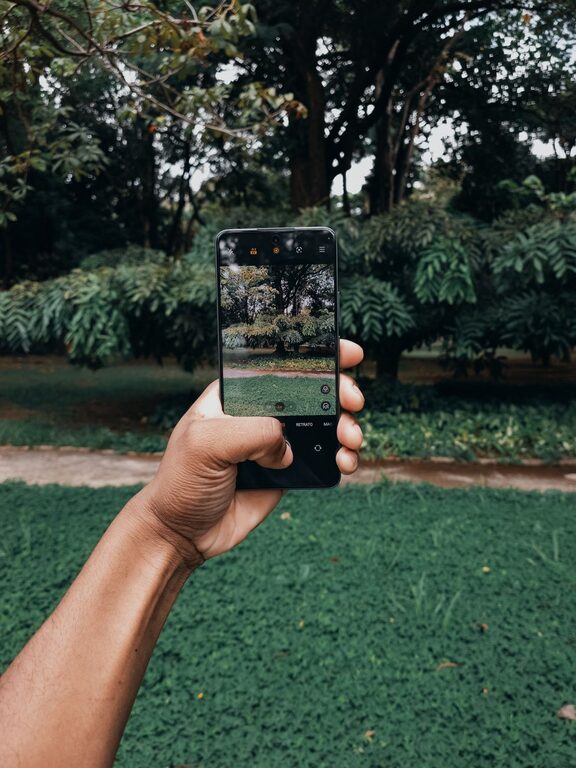
Taking great photos with your phone is easier than you might think. Modern smartphones come equipped with powerful cameras, but unlocking their full potential requires some basic knowledge and techniques. Whether you’re new to photography or just want to improve your snapshots, this guide offers beginner-friendly tips to help you take better phone photos. Let’s dive into practical advice that will boost your confidence and creativity behind the lens.
Understand Your Phone Camera’s Features
Before you start snapping away, spend some time exploring your phone’s camera settings. Most phone cameras offer multiple modes such as portrait, panorama, night, and pro mode. Familiarize yourself with these features to know what they do:
– Auto mode: Great for quick shots and general use.
– Portrait mode: Blurs the background for professional-looking portraits.
– Night mode: Enhances photos taken in low light.
– Pro/Manual mode: Allows control over settings like ISO, shutter speed, and focus.
Knowing what’s available helps you choose the right mode for different situations.
Keep Your Lens Clean
It may sound simple, but a smudged or dirty lens can ruin a photo’s clarity. Phone cameras are exposed to fingerprints and dirt daily. Use a microfiber cloth to gently clean the lens before taking pictures. This small step can make your photos sharper and more vibrant.
Focus on Composition
Composition is how you arrange elements within the frame. Good composition can turn an ordinary photo into a captivating image.
Use the Rule of Thirds
Most phone cameras have a grid overlay option. Turn it on to divide your screen into nine equal parts. Place the subject along these gridlines or at the intersections for a balanced and interesting photo.
Fill the Frame
Get closer or zoom in (preferably using optical zoom if available) to eliminate distractions and make your subject stand out. Avoid digital zoom when possible, as it can reduce image quality.
Experiment with Angles
Don’t always shoot from eye level. Try different perspectives such as getting low to the ground or shooting from above to add visual interest and creativity.
Focus and Exposure
Tapping on your phone screen lets you focus on a specific area. After tapping, your camera usually adjusts the exposure (brightness) for that spot. If the photo looks too dark or bright, most phones allow you to manually adjust exposure by sliding your finger up or down on the screen before taking the shot.
Use Natural Light Whenever Possible
Good lighting is crucial for great photos. Whenever you can, use natural light since it provides soft, flattering illumination. Avoid harsh midday sun that casts strong shadows. Early morning and late afternoon light, often called the “golden hour,” creates warm and appealing tones.
If indoors, position your subject near windows or other natural light sources. Avoid using your phone’s built-in flash unless absolutely necessary, as it can produce harsh and unnatural lighting.
Steady Your Shot
Blurry photos happen when the camera moves during the shot. To prevent this:
– Hold your phone with both hands.
– Keep your elbows close to your body.
– Rest your phone against a stable surface if possible.
– Use the volume button or a timer to take photos instead of tapping the screen, which can cause movement.
For more advanced stabilization, consider investing in an inexpensive phone tripod.
Experiment with Editing Apps
Post-processing can enhance your photos without overdoing it. Popular free or low-cost editing apps like Snapseed, Lightroom Mobile, or VSCO allow you to adjust brightness, contrast, saturation, and sharpness. Basic cropping and straightening can also improve composition after the fact.
Aim to enhance the photo naturally rather than applying heavy filters that alter colors drastically. This keeps your images looking authentic and appealing.
Practice Patience and Take Multiple Shots
Don’t be discouraged if your first photo isn’t perfect. Take several shots from different angles and with slight variations in lighting or focus. This increases your chances of capturing the perfect moment and gives you options to choose from.
Save and Organize Your Photos
Finally, keep your photos organized by creating albums or folders on your phone or cloud storage. Regularly backing up your pictures ensures they’re safe and easy to access later.
—
By applying these tips, you’ll notice your phone photos improve significantly. Remember, great photography is a mix of technical know-how and creative vision. Keep practicing, experimenting, and most importantly, have fun capturing the world through your phone’s lens!